
Orbitburn
A gravity lander where every planet pulls on your ship
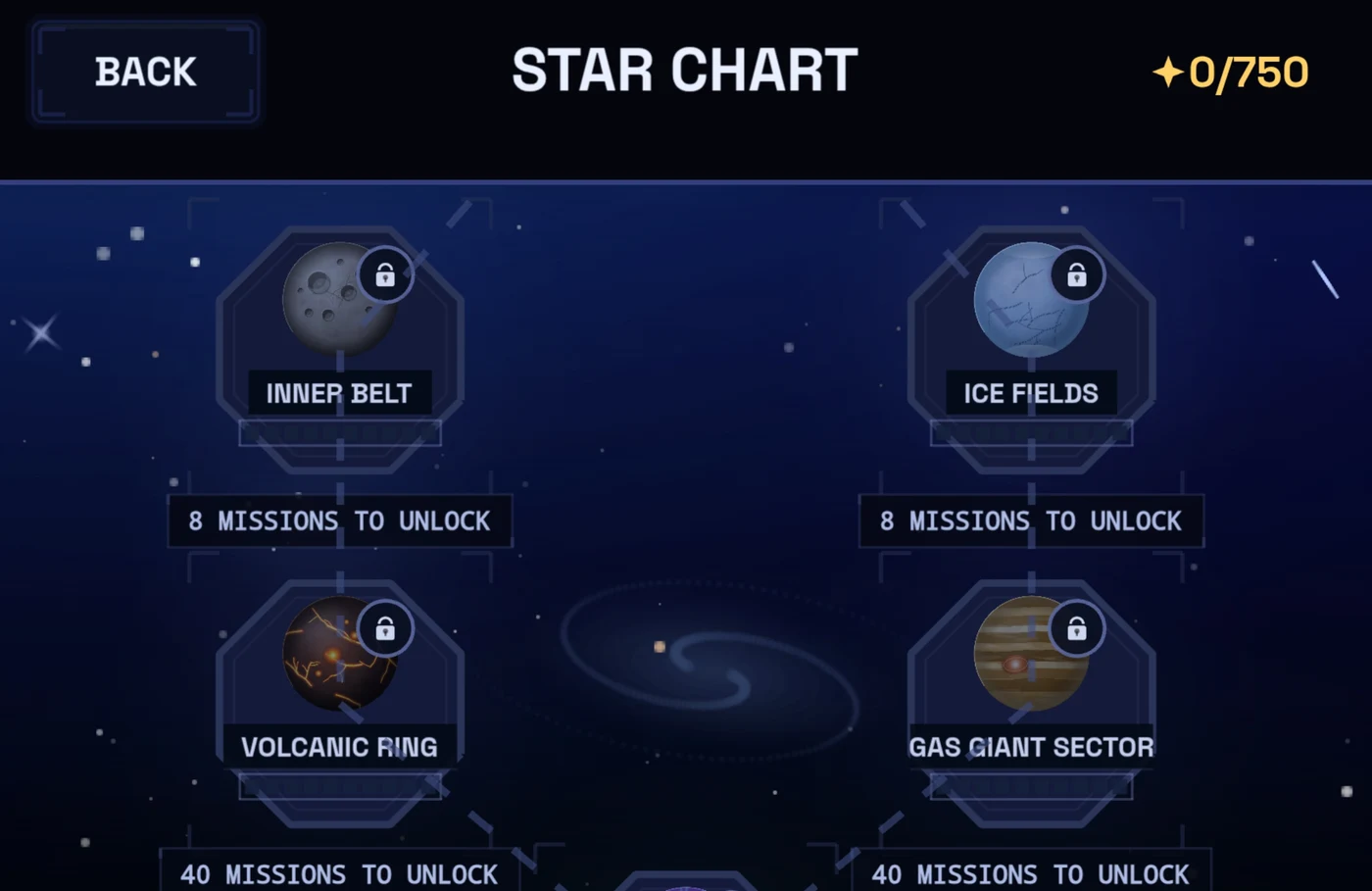
Orbitburn is a gravity lander. Every planet on the map pulls on your ship, fuel is tight, and you have to set the ship down slowly enough to survive. There are 250 missions and 25 ships. It’s in early access on Google Play and in your browser. Banner ads show on the menu, pause and results screens, never while you fly, and one purchase takes them away. A video ad plays only when you choose to watch one for a reward.
- Status
- Early access · On Google Play and the web
- Year
- Since 2025
Orbitburn in use
01Brief
The problem
We wanted a physics game where orbits feel real on an ordinary Android phone, running at 60 frames a second. It also had to pay for itself without an ad ever interrupting a flight.
- 250
- missions to fly
- 25
- ships, each flying differently
- 0
- ads you have to sit through
02Process
The build
Keeping the parts in balance
There are more than 500 parts, 25 ships and 250 missions. Every time something changes, our tests play through the economy and chart how hard each mission is, and we tune the game against what they show.
Ads that never interrupt a flight
There are no forced ads. Banners show on the menu, pause and results screens, never while you fly, and one purchase removes them. The only other ads are videos you choose to watch for a reward. If you close a reward video early, you don’t get the reward. An early bug paid out anyway, and we’ve fixed it.
Native code where it was needed
Subscriptions run through a small piece of Android code we wrote ourselves, because the standard one couldn’t do what the game needed. The Android back button got the same treatment, so it does exactly what the on-screen buttons do in flight, on pause, on the results screen and in the menus.
No audio files
Every sound in the game is made in code while you play, so there’s nothing extra to download.
A launch site and a shop
EveryLaunch is a separate site that follows real spaceflight using public launch data and draws globes of real planets and moons. The game’s merch is sold in the Portage shop, made to order and priced in Canadian dollars.
03Screens
Selected screens
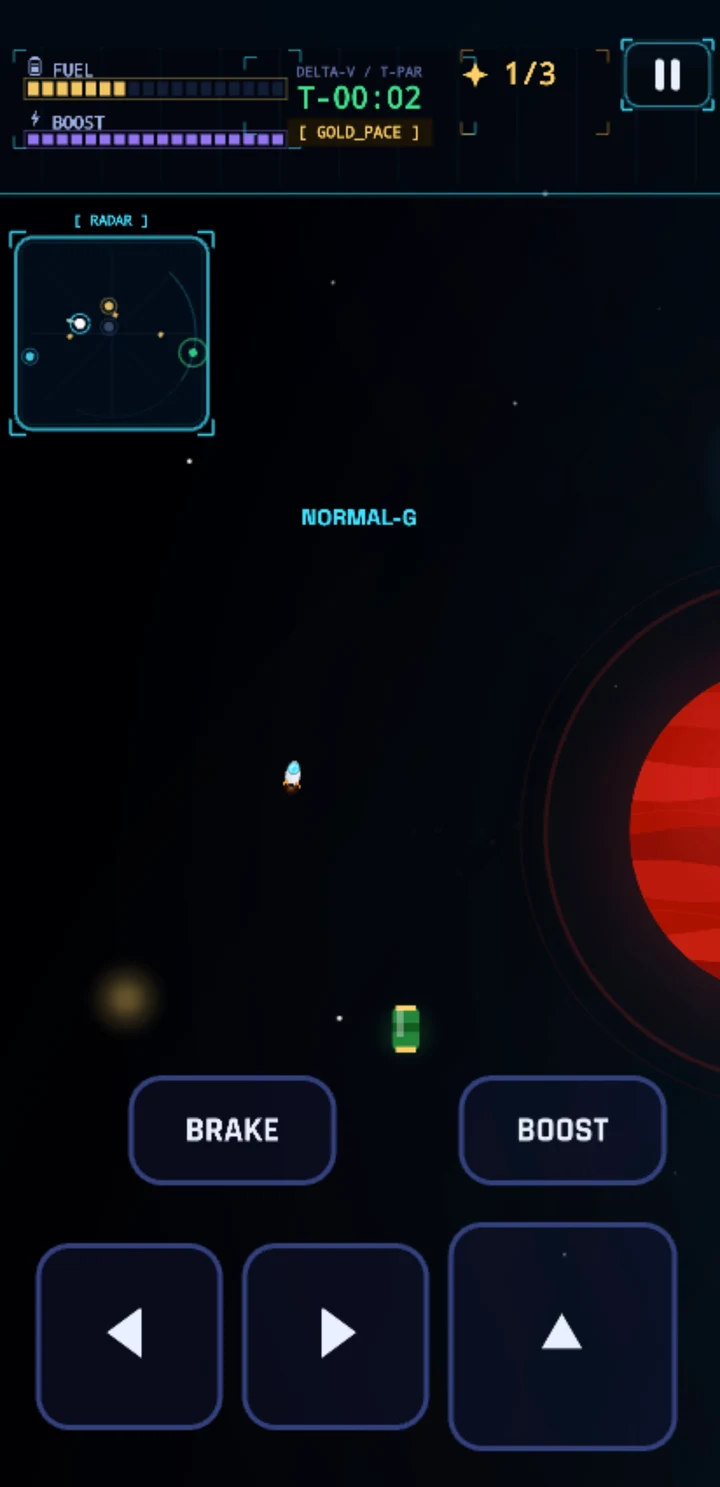
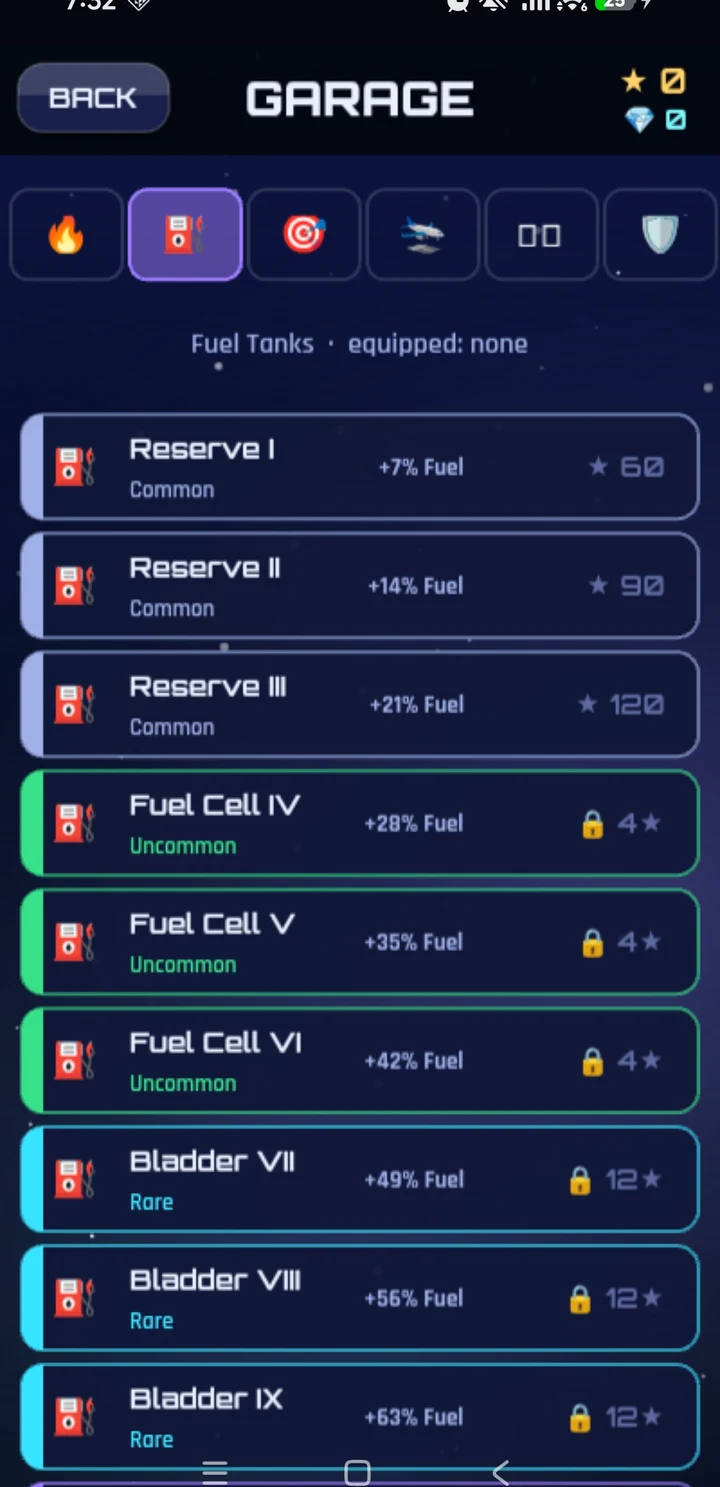
These are screenshots from the app.
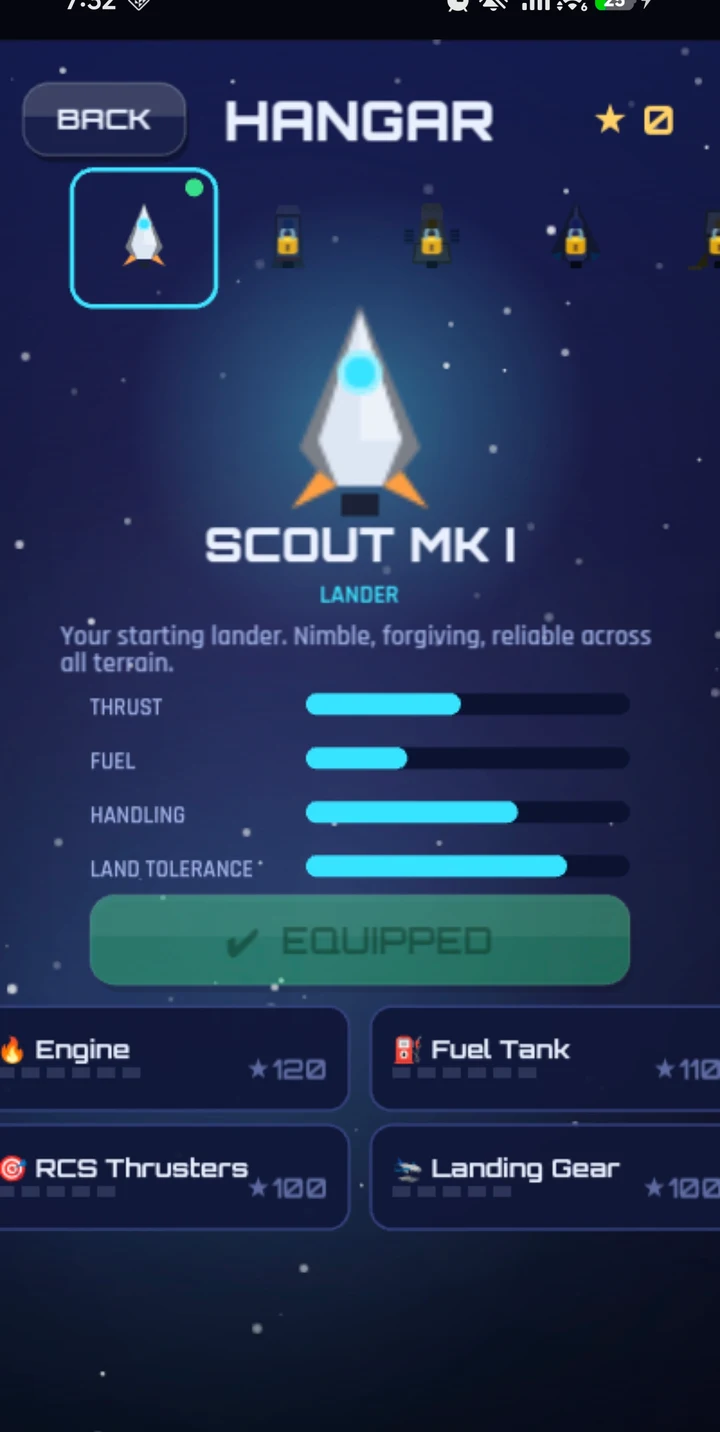
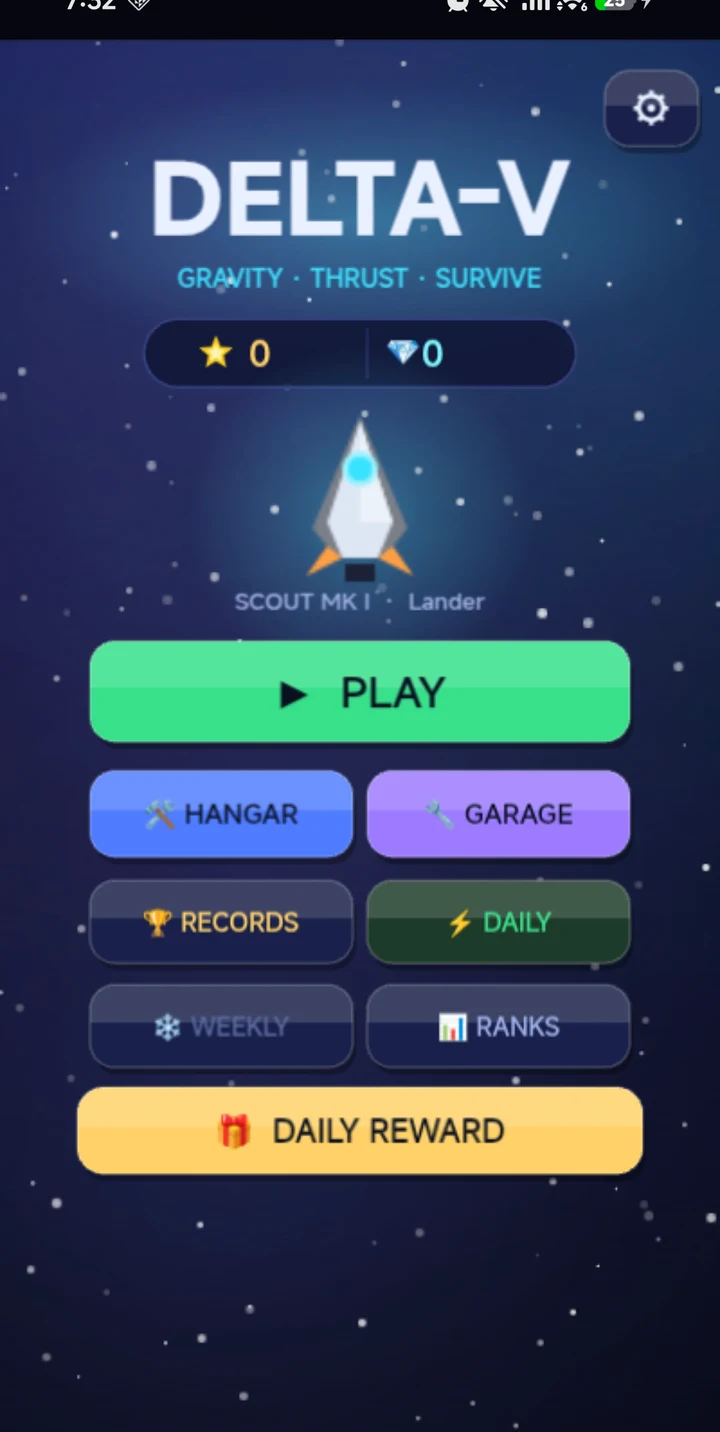
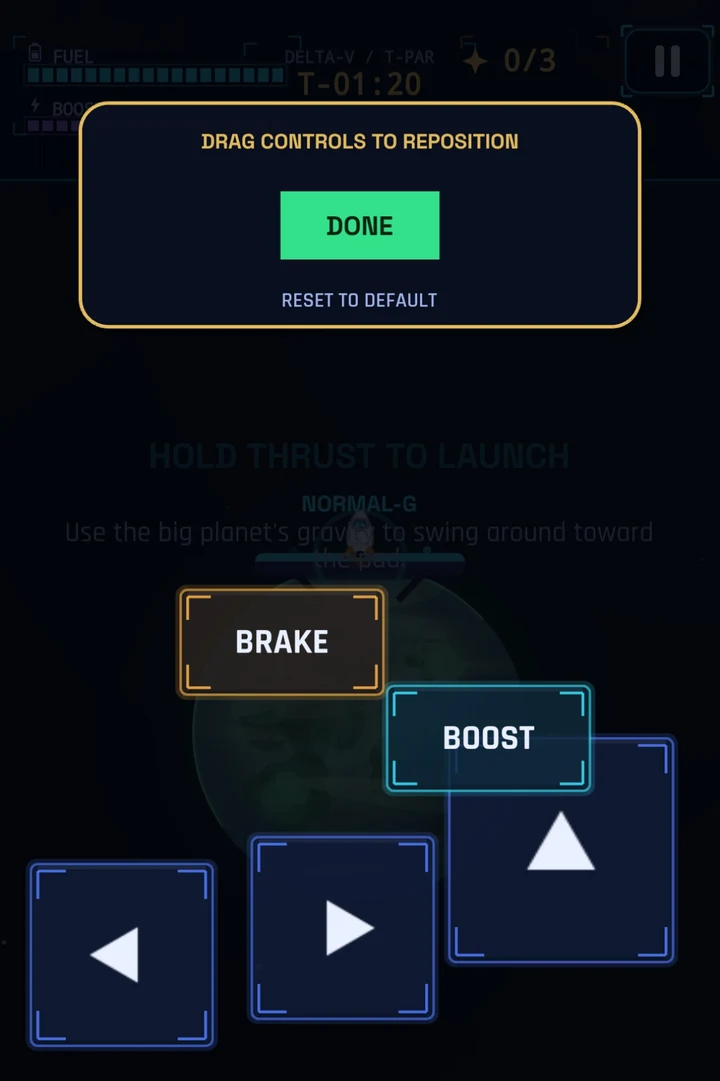
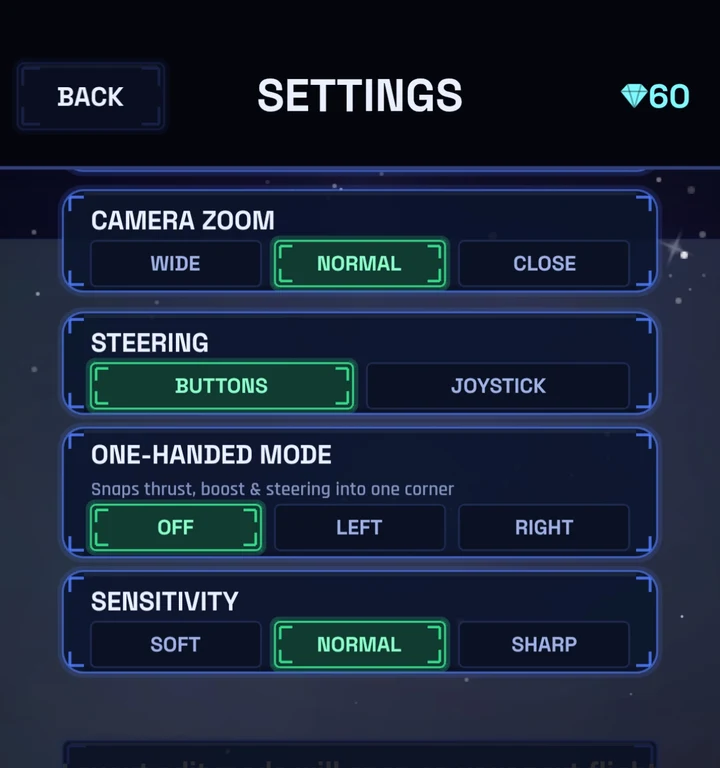
04Stack
What it runs on
- Game
- Phaser 3
- Vite
- JavaScript
- Web Audio API
- Mobile
- Capacitor
- Kotlin
- Android
- Services
- Firebase Firestore
- Firebase Auth
- Crashlytics
- RevenueCat
- Google AdMob
- Companion site
- Next.js 16
- React 19
- Tailwind CSS v4
- Framer Motion
- Merch
- Portage shop
- Printify
